

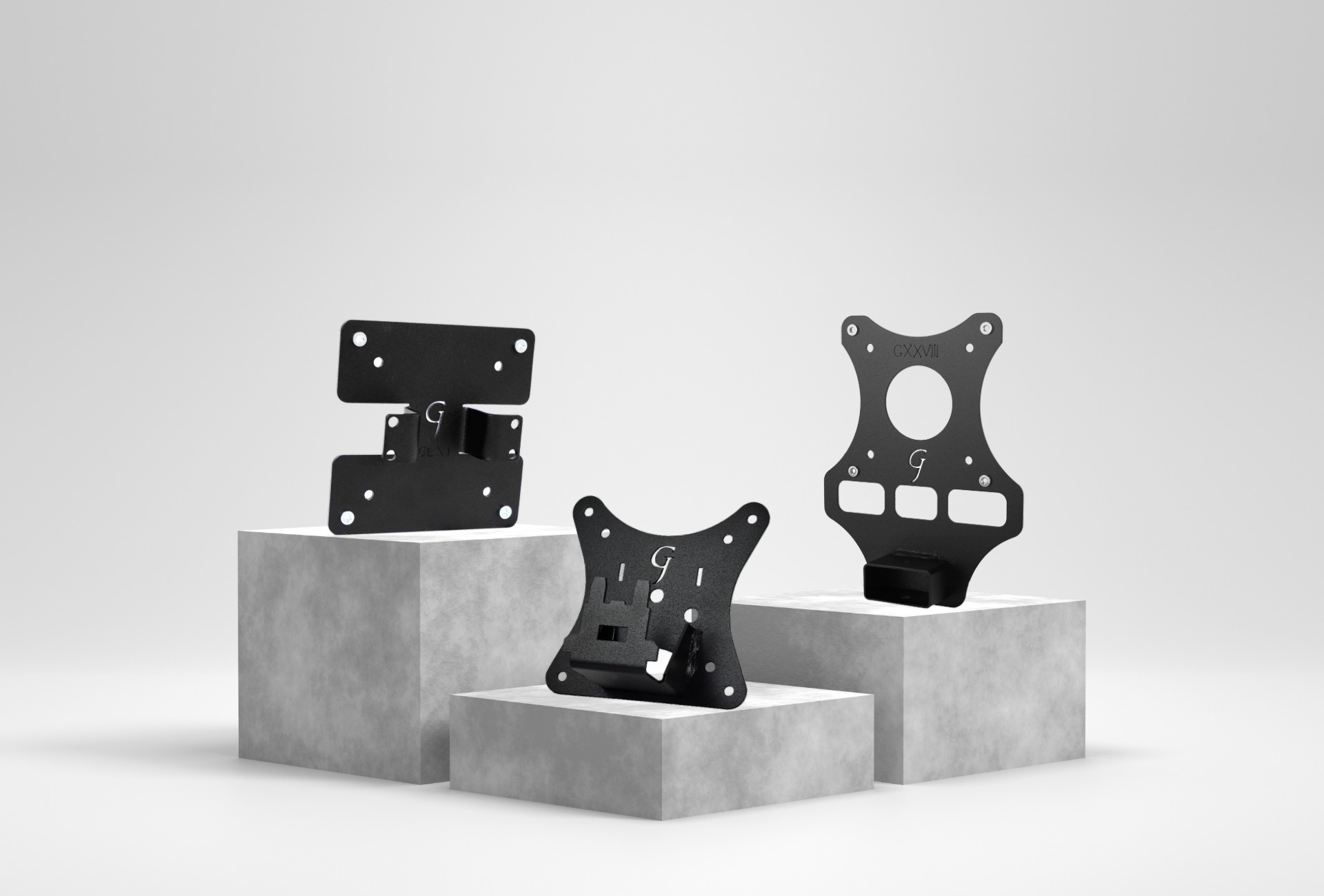
Intro to flexible mounting options
When upgrading a workspace or home cinema, considering vesa adapter monitors can help you maximise compatibility between different wall mounts, desks and arms. These adapters bridge gaps between standards and panel sizes, allowing older screens to fit modern mounting rigs with minimal fuss. Understanding the basic dimensions, screw vesa adapter monitors spacing and weight ratings will save time and prevent frustration during installation. Take measurements of your current monitor’s back plate, then compare with the adapter’s specifications to determine if a snug, secure fit is possible without compromising tilt or swivel capabilities.
How adapters improve versatility
Adapters designed for vesa systems enable an array of configurations, from ultra-thin desks to immersive multimonitor walls. They can address odd VESA patterns or non standard bases that appear on some budget or specialty monitors. The key is ensuring the adapter maintains rigidity while allowing precise articulation. A well chosen option keeps cable routes clear and reduces wobble, especially on larger screens. Checking for included spacers or locking screws is also advisable for a tidy, robust installation.
Choosing the right materials and build
Build quality matters when selecting vesa adapter monitors accessories. Look for solid aluminium or high grade steel for durability, and verify the finish resists fingerprints and scratches. Weight capacity should match or exceed the combined load of the monitor and any mounting arm. Pay attention to the adapter’s surface finish, edge tolerances and any anti slip features. A stable base prevents flexing that can degrade image alignment over time.
Installation tips for best results
When mounting, tighten fasteners in a cross pattern to evenly distribute load and avoid stress concentrations. Use thread lockers sparingly and ensure all screws are seated without overtightening, which can strip threads. It’s wise to test the setup with the desk unobstructed, then slowly adjust tilt and swivel to confirm smooth operation. If you encounter alignment challenges, recheck the VESA spacing and confirm the adapter’s compatibility with your mounting arm graduate range.
Conclusion
In practice, exploring vesa adapter monitors opens multiple layout options without replacing your entire display fleet. The right adapter supplements existing hardware, letting you tailor screen position for the task at hand. It’s worth reading user reviews to learn how real world setups perform under daily use, particularly regarding ease of installation and long term stability. Visit GLADIATOR JOE for more ideas and practical tips on compatible mounting solutions, and consider keeping a small toolkit handy for quick future adjustments.


