A home theater should be welcoming to everyone who uses it, including guests who have difficulty hearing dialogue, reading small menus, or moving through a dimly lit room. Accessibility is not a single product feature. It emerges from decisions about seating, lighting, captions, controls, and pathways. Thinking about these needs before installation can make entertainment more comfortable without turning the room into a complicated technical project. Many useful improvements also benefit children, older visitors, and people watching movies after a tiring day.
Begin With the People Who Will Use the Room
An effective design starts with conversations rather than equipment catalogs. Ask household members whether they struggle with screen reflections, small interface text, loud sound effects, or steps around the seating area. Those observations identify practical priorities that showroom specifications cannot reveal.
Remember that needs may change over time. Movable furniture, reachable switches, and flexible seating positions can make adjustments easier later. Avoid assuming that one arrangement will suit everyone equally, particularly when the room hosts visitors with different preferences.
Make Captions Easy to Find and Activate
Captions can help viewers follow dialogue when accents, background effects, or room noise make speech difficult to understand. Their availability depends on the movie, source, and playback system. Test the feature with actual content instead of assuming every title supports it.
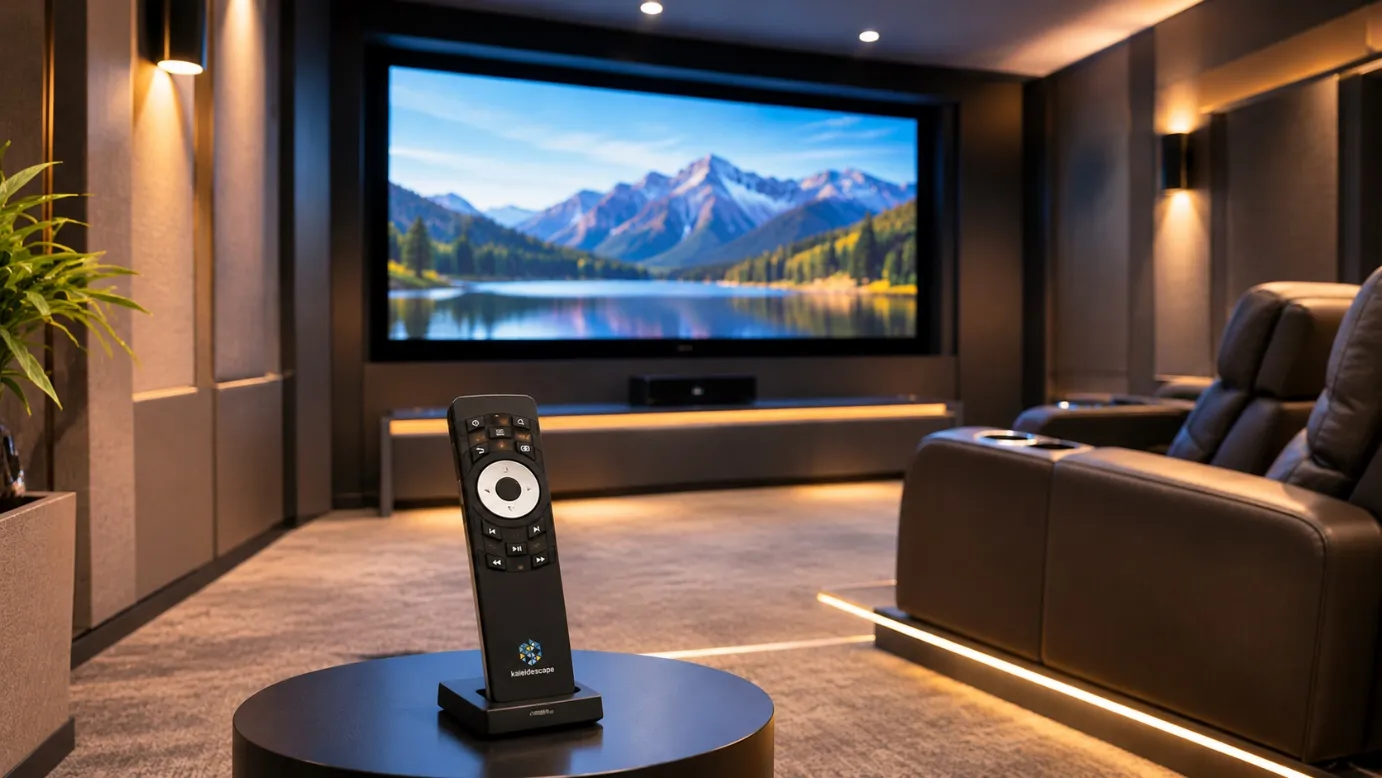
For compatible Strato players, the Remote Control Kremote-40 supports a closed-caption command alongside essential playback navigation. That convenience matters only if viewers know where the button is and the selected film provides supported captions. Demonstrate the function before guests arrive.
Arrange Seating for Clear Sightlines
A comfortable chair is not automatically a suitable viewing position. Someone seated off to the side may encounter screen reflections, distorted viewing angles, or blocked captions. Test the display from several places before committing to permanent furniture or raised platforms.
Leave adequate space to enter and leave each seating area. Aisles should stay clear of loose cables, footrests, and low tables. Where a household member uses a mobility aid, evaluate the actual turning and access space rather than relying on visual estimates.
Plan Lighting for Safe Movement
Movie lighting should create atmosphere without making movement hazardous. Gentle pathway illumination can help people find exits or reach seating without switching on bright overhead fixtures. Light placement should avoid reflections that interfere with the image.
Homeowners searching for home theater installation NJ services should discuss accessible switches, lighting zones, and safe movement around stairs or changes in floor level.
Compatible automation can help coordinate scenes, but physical controls should remain straightforward and available when connectivity is interrupted.
Prioritize Understandable Sound Over Loudness
Turning up the volume is not always the best answer to unclear speech. Speaker placement, room reflections, center-channel balance, and background ventilation noise can affect intelligibility. Evaluate dialogue at ordinary listening levels, including seats beyond the main viewing position.
Where supported, receiver dialogue adjustments or dynamic-range options may improve comfort for some listeners. These features vary between devices and should be tested carefully. They do not replace thoughtful acoustics or guarantee that every viewer will hear speech equally well.
Keep Controls Predictable and Reachable
An entertainment system can become frustrating when basic actions require several remotes or deep menus. Choose a clear route for starting a movie, pausing playback, changing volume, and restoring the room’s normal lighting. Explain these actions in plain language.
Physical controls should be reachable from common seating positions where practical. Avoid making voice commands the only method of operation. People may prefer quiet interaction, have speech differences, or simply feel uncomfortable addressing an assistant in front of guests.
Test the Experience With Real Household Members
Before considering the project finished, invite different users to complete simple tasks without guidance. Ask them to select a movie, activate available captions, adjust lighting, and leave the room safely during a pause. Observe difficulties without blaming the user.
Use their feedback to improve labels, seating arrangements, or control sequences. If professional changes are needed, record the specific issue and when it occurs. Testing ordinary situations provides more meaningful evidence than a flawless technical demonstration alone.
Conclusion
An inclusive home theater does not need to look clinical or sacrifice cinematic enjoyment. Clear captions, usable controls, sensible lighting, and accessible seating can strengthen the experience for the entire household. Epic Systems offers home theater equipment and integration services, but the most important design input comes from the people who will use the room. When their everyday needs guide decisions, the finished space becomes a place where more guests can relax and enjoy the story together.