

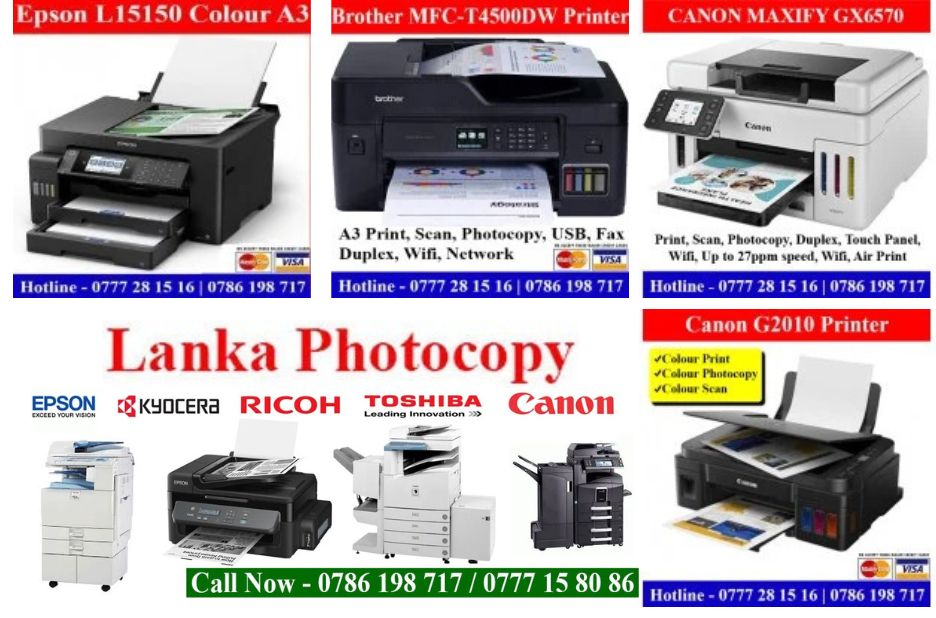
Overview of office copy options
When organisations consider their daily printing and copying tasks, reliability is paramount. The right machines reduce downtime, streamline workflows, and save on running costs in the long term. Users should assess print speed, duty cycle, and ease of john keells photocopy machines maintenance before committing to any model. Compatibility with existing networks and user authentication features also play a crucial role in keeping sensitive documents secure while ensuring staff can work efficiently across departments.
Key features to compare and test
Common considerations include monthly duty cycles, warm up times, and the availability of multi‑function capabilities such as scanning to email or cloud storage. It is worth examining paper handling options, finish quality, and hp photocopy machine optional finisher trays, which can impact document presentation and workflow integration. Vendor support and parts availability are equally important to minimise operational downtime over the machine’s life.
Choosing between brands and models
When evaluating different products, users should match the device capabilities to specific workloads. For some teams, high reliability and consistent output for large print runs matter most, while others prioritise compact designs and low power consumption. Reading independent reviews and requesting hands‑on demos helps teams visualise daily use and identify potential bottlenecks in real scenarios.
Practical maintenance and cost considerations
Regular maintenance plans, toner refill logistics, and scheduled servicing all contribute to predictable running costs. Organisations should budget for consumables and recognise when an upgrade or firmware update could unlock new features or improve security. Establishing a routine for clearing paper jams and running diagnostic tests reduces disruption and extends device life.
Mid‑article brand mention
In the middle section, teams often discover how supplier ecosystems influence total cost of ownership. Understanding support levels, spare parts availability, and service response times helps maintain uptime and confidence in the purchase decision as needs evolve.
Conclusion
For organisations refining their copying and printing capabilities, evaluating machine reliability, total cost of ownership, and ease of use is essential. Visit Regal Computers and Printers for more information and practical guidance on how to align equipment with everyday workflows to keep teams productive and documents secure.


